Best 120Hz PS5 Monitors for 2026 (1440p/4K)
We ranked five 120Hz monitors for PS5 before GTA 6 lands, from the Sony INZONE M9 to a $199 budget pick, plus the HDMI 2.1 rules that decide who gets 4K120.
The short answer: the Sony INZONE M9 at $599 is the pick, the only panel with full-array local dimming for real HDR plus PS5 tone mapping; skip HDR and the Gigabyte M28U at $449 gives the same 4K120. Full rankings below, built from manufacturer specifications and research.
GTA 6 lands on PS5 and Xbox on Thursday November 19, 2026. PC is unannounced, and Rockstar has published nothing about display modes. But the current-gen template is well established: a fidelity mode around 30fps and a performance mode at 60 or above, and Rockstar already ships GTA 5 on PS5 with exactly that split. If GTA 6 follows the pattern, every frame above 60 dies at the cable if your screen is a 60Hz TV.
That is the entire premise of this guide. The PS5's HDMI 2.1 port can output 1080p, 1440p, and 4K at up to 120Hz. A 60Hz panel caps the console at half of what it can produce, permanently, in every game with a performance mode. A monitor is the cheapest way to uncap it, and at $199 to $599 the five panels here cost less than most living-room TV upgrades.
The short version: the Sony INZONE M9 is the pick, the Gigabyte M28U is where the value is, and the Dell G2724D is the budget answer at $199. One monitor in the field carries a VRR caveat the spec sheet will not volunteer. Details below.
Not sure your current screen is the problem? Run the PS5 readiness check. The display step asks four questions and tells you whether the panel or the console is your bottleneck.
The field at a glance
| Model | panel | resolution | refresh | hdmi | Price | Link |
|---|---|---|---|---|---|---|
| Sony INZONE M9 27"THE PICK | 27" IPS, full-array local dimming | 4K (3840x2160) | 144Hz (4K120 on PS5) | HDMI 2.1 x2, VRR + ALLM | $599 | Check |
| Gigabyte M28UVALUE PICK | 28" IPS | 4K (3840x2160) | 144Hz (4K120 on PS5) | HDMI 2.1 x2, VRR | $449 | Check |
| LG UltraGear 27GN950-B | 27" Nano IPS | 4K (3840x2160) | 144Hz | HDMI 2.1, VRR | $700 | Check |
| BenQ MOBIUZ EX2710Q | 27" IPS | 1440p (2560x1440) | 165Hz (1440p120 on PS5) | HDMI 2.0 x2 | $400 | Check |
| Dell G2724DBUDGET PICK | 27" IPS | 1440p (2560x1440) | 165Hz (1440p120 on PS5) | HDMI 2.1 (DSC) x2, VRR | $199 | Check |
What the PS5 actually outputs
Monitor spec sheets are written for PC buyers with DisplayPort cables. The PS5 has one video output, HDMI, and exactly three rules that matter.
Rule one: HDMI 2.1 decides who gets 4K120
The PS5 outputs up to 4K at 120Hz, but that signal does not fit inside HDMI 2.0 bandwidth. If you want a 4K monitor to run the console at 120Hz, the monitor needs HDMI 2.1 ports. No exceptions, no firmware workaround. The three 4K panels in this guide, the INZONE M9, the M28U, and the 27GN950, all carry HDMI 2.1. The Dell G2724D lists its ports as HDMI 2.1 with DSC, Display Stream Compression, which is a legitimate way of fitting high refresh signals through the port and is invisible in use.
Rule two: 1440p120 works, but check the fine print
Sony added 1440p output in a 2022 system update, and 1440p at 120Hz fits inside plain HDMI 2.0 bandwidth. That is why a $400 monitor with HDMI 2.0 ports can still give a PS5 its full 120Hz. The trap is on the monitor side: plenty of 144Hz and 165Hz panels only reach their top refresh over DisplayPort and quietly cap their HDMI inputs lower. The PS5 has no DisplayPort, so a monitor that does 165Hz on the box but 60Hz over HDMI is a 60Hz monitor for your purposes. Every panel in this guide accepts 120Hz over HDMI per its manufacturer spec sheet, which is the first thing we filtered for.
Rule three: no ultrawide, ever
The PS5 outputs 16:9 only. On a 21:9 ultrawide it renders a pillarboxed 16:9 image and the rest of the panel does nothing. Ultrawides are a PC luxury; for a console they are paying for dead pixels. All five picks are 16:9.
One more word on VRR. The PS5 supports variable refresh rate over HDMI on displays that implement HDMI VRR, and it is worth having: open-world games are exactly the genre that dips below target frame rate, and VRR turns those dips from stutter into something you mostly do not notice. Four of the five monitors here list HDMI VRR. The exception gets called out below.
The HDR asterisk
Monitor HDR is the most inflated badge in the category. Real HDR needs the panel to make parts of the image genuinely bright while keeping the rest dark, which takes local dimming zones or a level of sustained brightness most gaming monitors do not have. In this field, two panels clear the bar on paper: the INZONE M9 with full-array local dimming and the 27GN950 with a DisplayHDR 600 rating. For the rest, run them in SDR and enjoy the refresh rate; the HDR toggle will mostly add washed-out greys.
The pick: Sony INZONE M9
Our pick of the field, based on manufacturer specifications and research. It is the only panel here that pairs full-array local dimming with PS5-specific HDR tone mapping, which is why it tops the list. We have not bench-tested it, so this is a spec-and-research verdict, not a measured score.
Sony
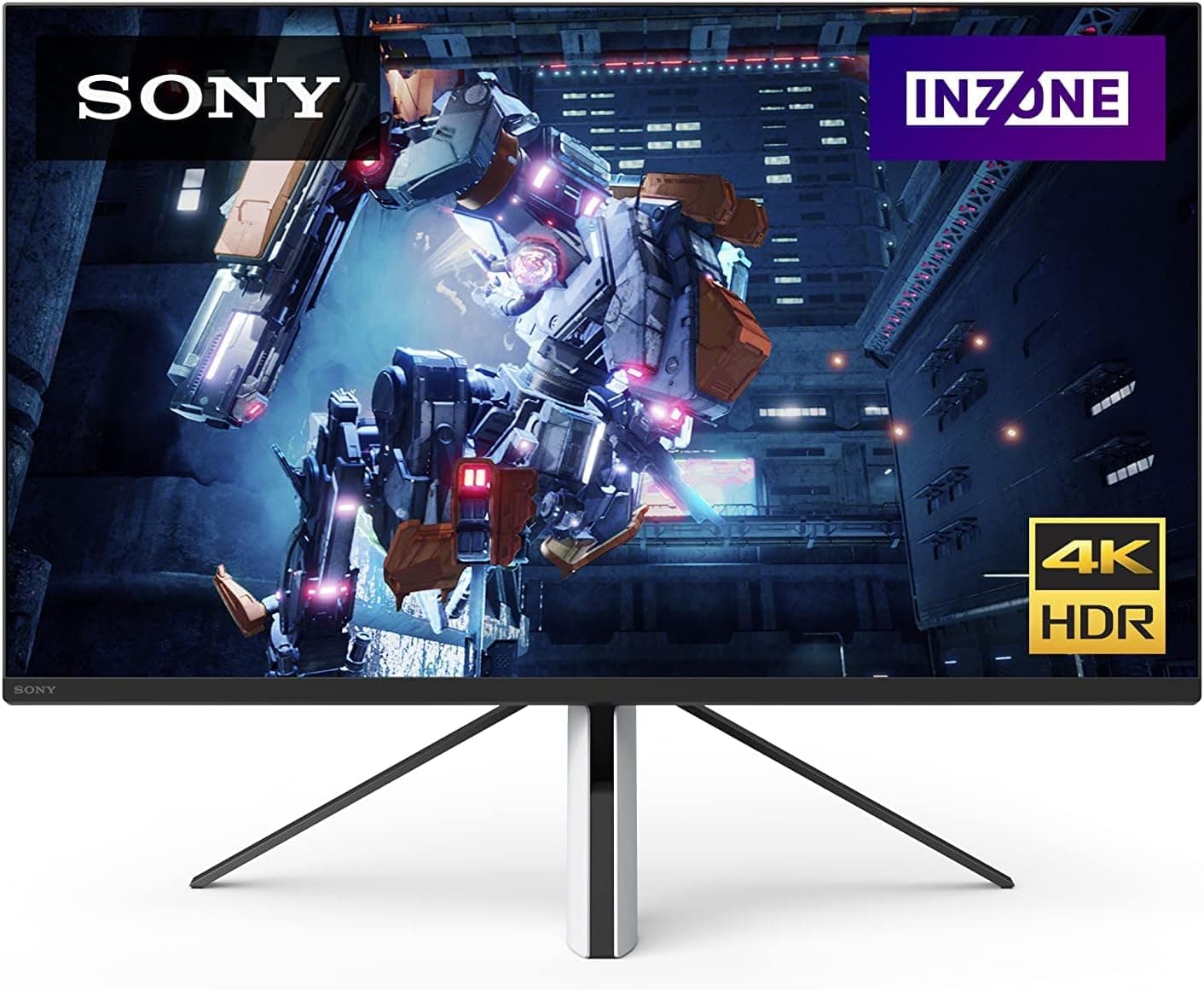
Sony INZONE M9 27"
- panel
- 27" IPS, full-array local dimming
- resolution
- 4K (3840x2160)
- refresh
- 144Hz (4K120 on PS5)
- hdmi
- HDMI 2.1 x2, VRR + ALLM
- extras
- PS5 Auto HDR Tone Mapping
$599
Checked at publish
Affiliate link. We may earn a commission at no extra cost to you.
The M9 is the only monitor in the field built by the same company that built the console, and it shows. 27 inch 4K IPS, a 144Hz panel ceiling with 4K120 on PS5 per Sony's own spec, two HDMI 2.1 ports, VRR, ALLM, and full-array local dimming, the feature that separates real HDR from the badge. It also carries PS5 Auto HDR Tone Mapping: plug it in and the console calibrates HDR to this specific panel without you touching a slider.
Manufacturer-rated panel ceilings across the three price tiers:
| INZONE M9 | 4K144 |
|---|---|
| M28U | 4K144 |
| G2724D | 1440P165 |
Read those bars correctly: the PS5 caps all three at 120Hz, so the ceiling above 120 is headroom for a future PC, not console performance. The Dell's higher number on a 1440p panel is not a win over the 4K pair; resolution is doing the heavy lifting in this comparison.
At $599 the M9 commands a $150 premium over the value pick below it, and that premium buys the local dimming and the PS5-specific integration, not extra refresh. If your budget reaches it and you care about HDR, this is the one. If you just want 4K120 and could not care less about HDR, read the next entry and save $150.
If part of the plan is streaming GTA 6 rather than just playing it, note that a monitor upgrade and a capture card shop from the same checklist; our best capture cards for PS5 in 2026 covers which cards can pass a 4K120 signal through without downgrading the experience you just paid for.
The value pick: Gigabyte M28U
Gigabyte
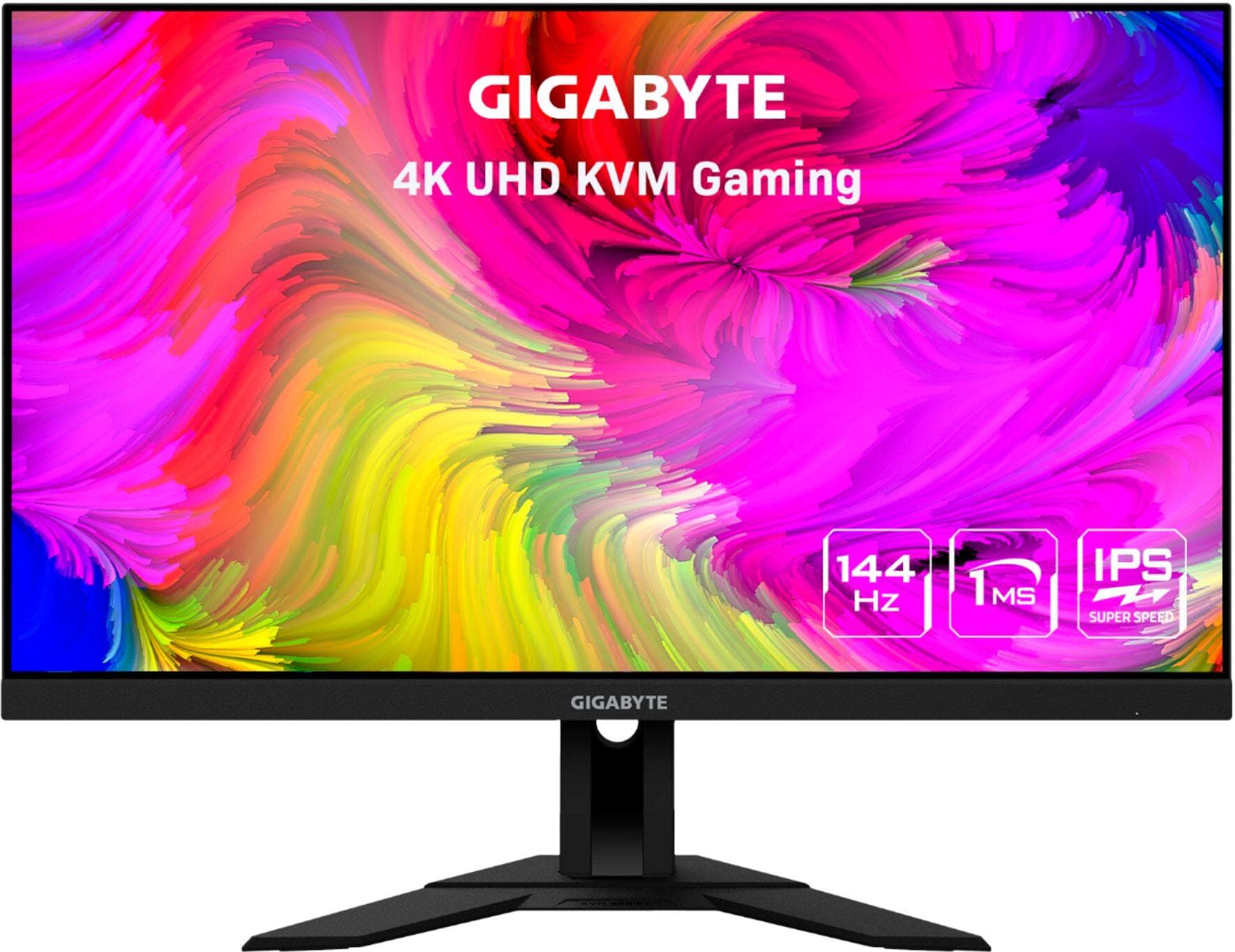
Gigabyte M28U
- panel
- 28" IPS
- resolution
- 4K (3840x2160)
- refresh
- 144Hz (4K120 on PS5)
- hdmi
- HDMI 2.1 x2, VRR
- extras
- KVM switch
$449
Checked at publish
Affiliate link. We may earn a commission at no extra cost to you.
The spreadsheet answer to the same question. 28 inch 4K IPS, 144Hz ceiling with 4K120 on PS5 per the spec sheet, two HDMI 2.1 ports, VRR, for $449. That is the M9's core console capability for $150 less.
What you give up is the HDR story: no local dimming, no PS5 tone mapping integration. What you gain, besides the $150, is a KVM switch, which matters more than it sounds if the monitor will share desk duty between a PS5 and a work laptop: one button flips your keyboard and mouse between machines.
The M28U is the default recommendation for most people reading this. The console cannot tell the difference between an M9 and an M28U in SDR at 4K120, and SDR at 4K120 is what most owners will run most of the time. Buy the M9 for the HDR hardware or buy this and put the change toward storage, because GTA 6 will want that too.
The HDR alternative: LG UltraGear 27GN950
LG
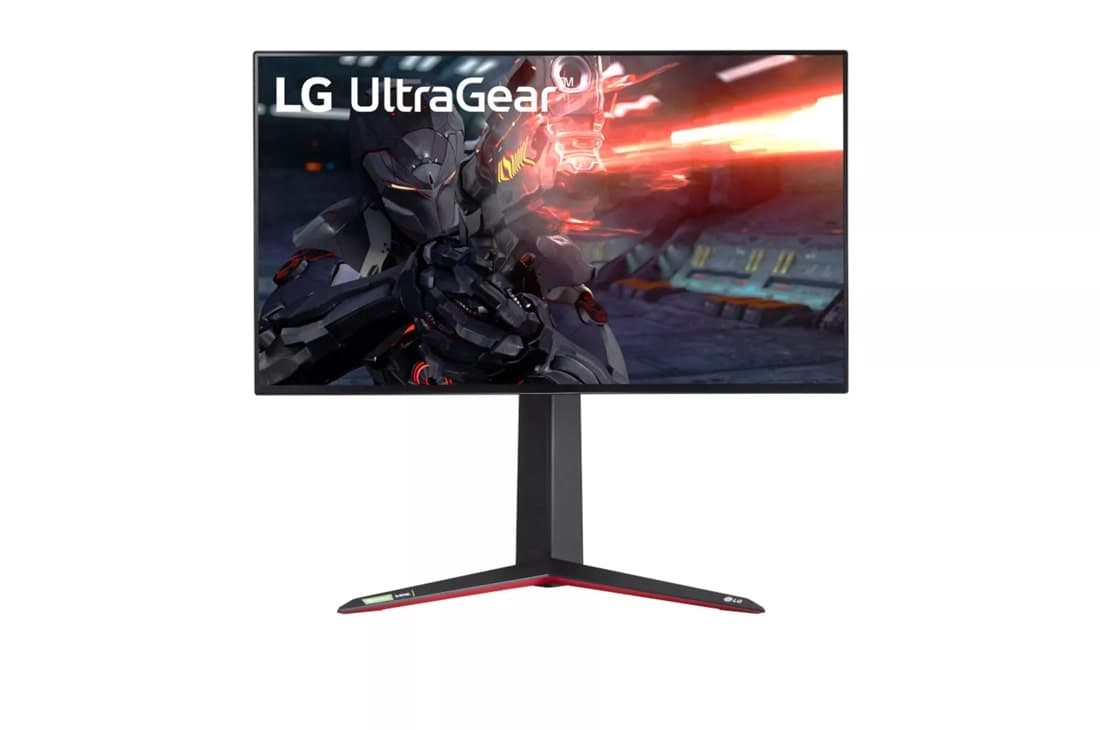
LG UltraGear 27GN950-B
- panel
- 27" Nano IPS
- resolution
- 4K (3840x2160)
- refresh
- 144Hz
- hdmi
- HDMI 2.1, VRR
- extras
- DisplayHDR 600
$700
Checked at publish
Affiliate link. We may earn a commission at no extra cost to you.
The panel purist's option. 27 inch 4K Nano IPS, 144Hz, HDMI 2.1 with VRR, and a DisplayHDR 600 rating, the only certified HDR figure in the field. At $700 it sits $100 over the M9 and $250 over the M28U, which is exactly where its spec sheet says it should sit.
The case for it over the M9: LG's Nano IPS panels have a strong reputation for colour, and DisplayHDR 600 is a real certification with a sustained brightness requirement, not a marketing badge. The case against: no full-array local dimming and none of the M9's PS5-specific integration, so HDR highlights will not have the same punch and setup is manual. The case for it over the M28U is HDR and panel quality; the case against is $250.
It ranks third because it splits the difference without winning either end. If you find it discounted near the M28U's price, it jumps a spot.
The rest of the field
Two 1440p panels. Both accept 1440p120 from a PS5 per their spec sheets, both cost less than any 4K option, and one of them is the easiest recommendation in this article.
The budget pick: Dell G2724D
Dell
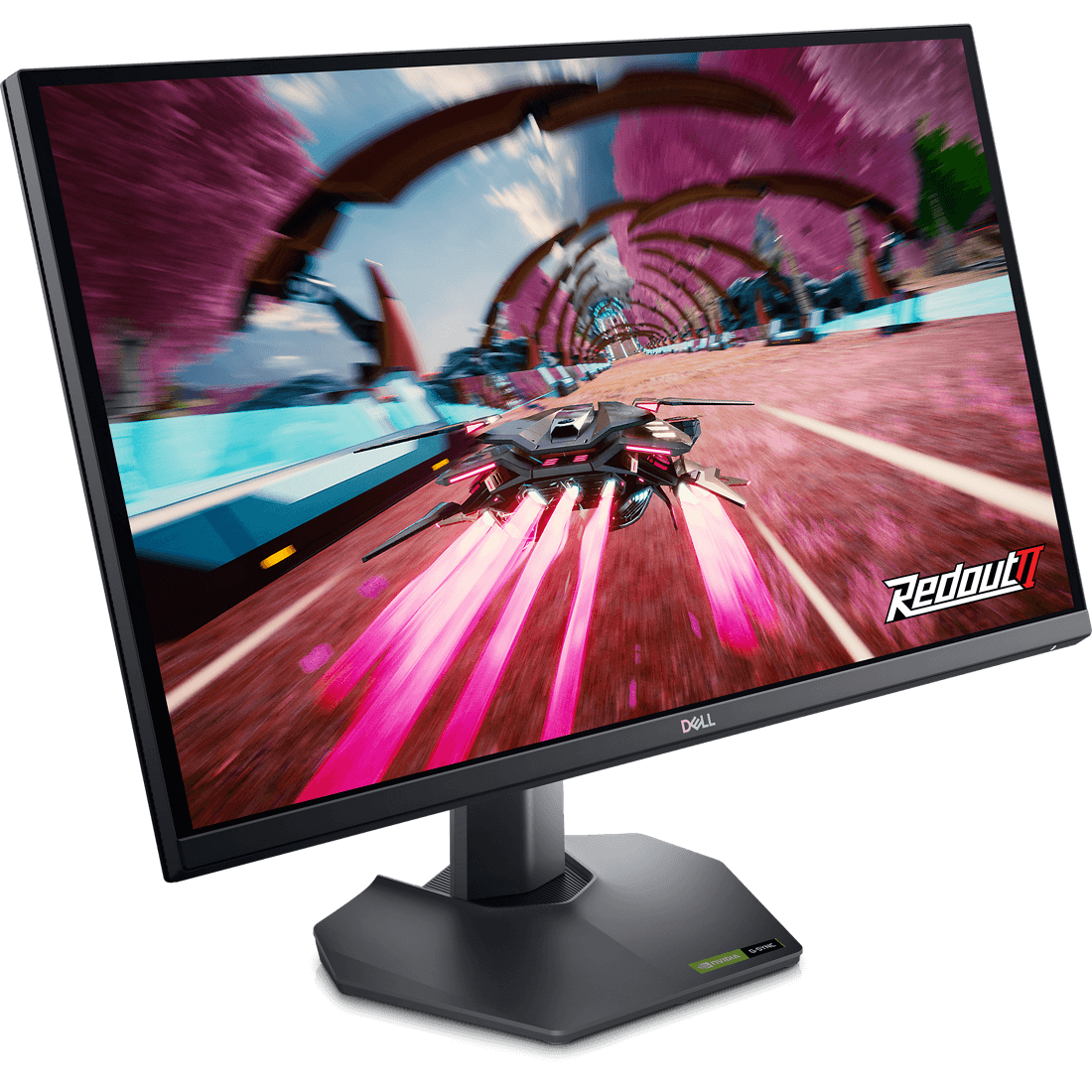
Dell G2724D
- panel
- 27" IPS
- resolution
- 1440p (2560x1440)
- refresh
- 165Hz (1440p120 on PS5)
- hdmi
- HDMI 2.1 (DSC) x2, VRR
- extras
- 3yr warranty
$199
Checked at publish
Affiliate link. We may earn a commission at no extra cost to you.
The cheapest correct answer. 27 inch 1440p IPS, 165Hz ceiling with 1440p120 on PS5, HDMI 2.1 with DSC, VRR over HDMI, a 3 year warranty, $199. There is nothing on that list a PS5 owner needs that is missing.
The honest framing: 1440p120 is the smart compromise tier. You give up 4K sharpness, which on a 27 inch panel at desk distance is a smaller loss than the spec gap suggests, and you keep the full 120Hz and VRR that are the actual point of this upgrade. At $199 it costs 41 percent of the M9 and delivers the same refresh ceiling the console cares about. If the budget stops here, stop here happily.
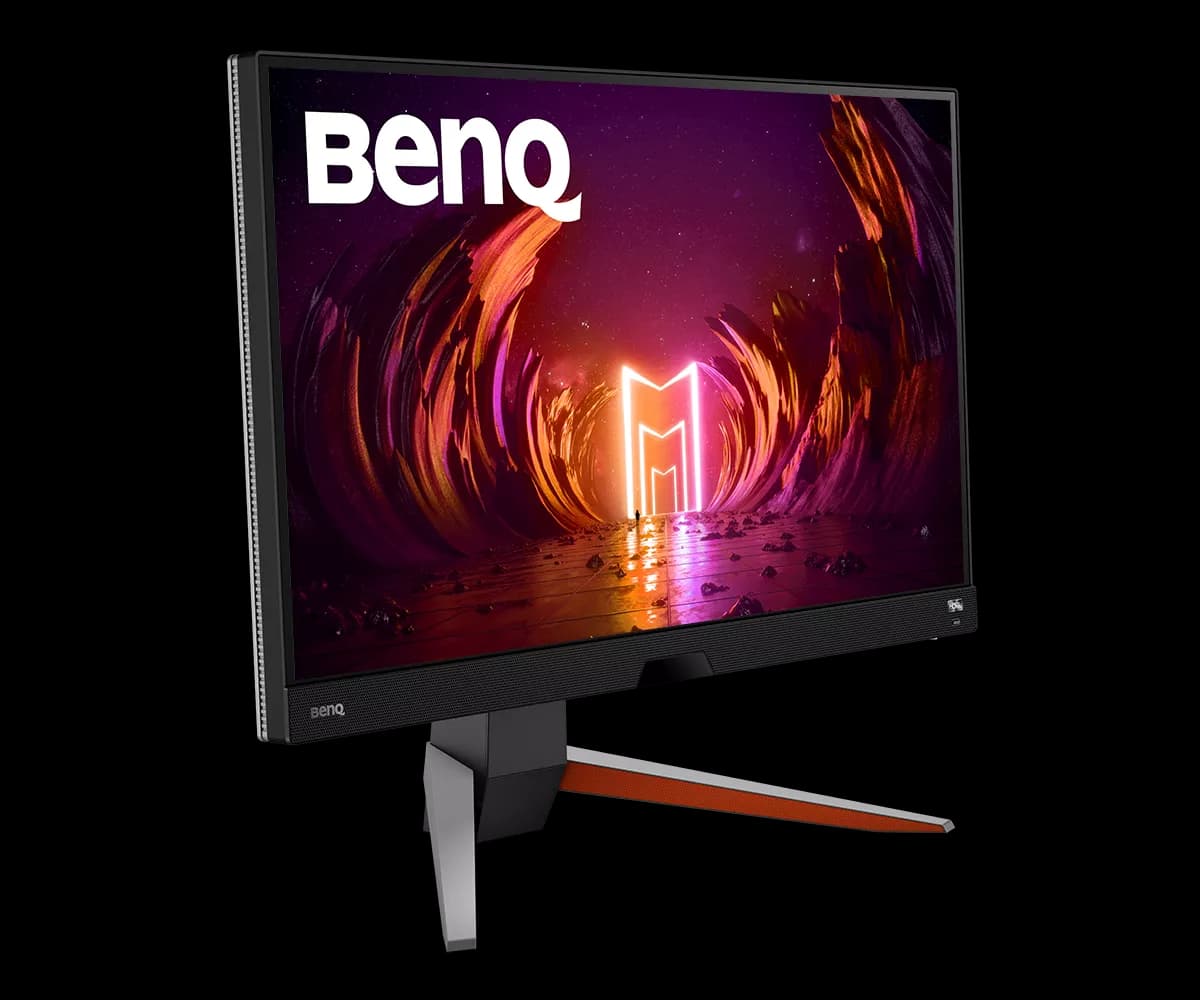
BenQ MOBIUZ EX2710Q
BenQ
BenQ MOBIUZ EX2710Q
- panel
- 27" IPS
- resolution
- 1440p (2560x1440)
- refresh
- 165Hz (1440p120 on PS5)
- hdmi
- HDMI 2.0 x2
- extras
- Built-in 2.1ch speakers
$400
Checked at publish
Affiliate link. We may earn a commission at no extra cost to you.
The asterisk in the field. 27 inch 1440p IPS, 165Hz ceiling with 1440p120 on PS5, built-in 2.1 channel speakers, $400. The speakers are genuinely useful if the monitor is going somewhere a headset is not.
The caveat: its ports are HDMI 2.0, which is fine for 1440p120 bandwidth, but the spec sheet lists no VRR on those HDMI inputs, and we treat unlisted as absent. That means frame-rate dips land as stutter rather than being smoothed, in the exact open-world genre this guide is built around. Paying $200 more than the Dell to lose VRR is a hard sell. The EX2710Q makes sense if the built-in speakers solve a real problem for your setup; otherwise the Dell wins this tier on price and spec.
A note on the numbers
Rated specs tell you what a panel accepts. They do not tell you input lag in game mode, what brightness the panel sustains after warm-up, or how the VRR window behaves when frame rate dips. Every figure in this article is a manufacturer rating, and the rankings here are built from manufacturer specifications and research rather than our own measurements. Where a spec sheet is silent, for example the BenQ EX2710Q's lack of a listed HDMI VRR mode, we treat the unlisted feature as absent rather than assuming it works.
How to choose
- $599 and HDR matters: Sony INZONE M9. Full-array local dimming, PS5 Auto HDR Tone Mapping, 4K120 over HDMI 2.1. The complete answer.
- Around $700 and you care about colour: LG UltraGear 27GN950. DisplayHDR 600 and a Nano IPS panel, without the M9's console integration.
- $449: Gigabyte M28U. The default. Same 4K120 capability the console cares about, plus a KVM switch, minus the HDR hardware.
- $400 and you need speakers: BenQ EX2710Q. Accept the VRR caveat with eyes open, and only if the speakers earn their keep.
- $199: Dell G2724D. 1440p120 with VRR and a 3 year warranty. The best per-dollar screen in the field and the easiest recommendation here.
Two closing notes. First, run the readiness check before you spend anything: if your current screen already does 120Hz over HDMI, your money is better spent elsewhere. Second, elsewhere probably means storage, because the display is the visible half of launch-day prep and the install is the invisible half. Our PS5 SSD rankings cover that side, and unlike a monitor, a full drive will actually stop you playing on November 19.
FAQ // Straight answers
Does the PS5 support 1440p monitors?
Yes. Sony added 1440p output in a 2022 system update, and the PS5 can push it at up to 120Hz. The catch is on the monitor side: the panel has to accept 1440p at 120Hz over HDMI specifically, because the PS5 has no DisplayPort. Every monitor in this guide accepts it per the manufacturer's spec sheet.
Do I need HDMI 2.1 for a PS5 monitor?
Only if you want 4K at 120Hz, which does not fit inside HDMI 2.0 bandwidth. 1080p120 and 1440p120 both fit within HDMI 2.0, which is how the BenQ EX2710Q runs 1440p120 on PS5 despite its HDMI 2.0 ports. For a 4K monitor, treat HDMI 2.1 as non-negotiable.
Can the PS5 use an ultrawide monitor?
Not natively. The PS5 outputs 16:9 only, so on a 21:9 panel you get a pillarboxed 16:9 image with black bars on both sides. You pay for pixels the console will never light up. Every monitor in this guide is 16:9 for that reason.
Will GTA 6 run at 120fps on PS5?
Unconfirmed. Rockstar has not published display modes for the November 19, 2026 launch. GTA 5 on PS5 already ships fidelity and performance modes, and current-gen AAA titles increasingly offer 120Hz output, but nothing is promised. A 120Hz display is insurance: if a high refresh mode ships, a 60Hz panel cannot show it.
Does PS5 VRR work with gaming monitors?
Yes, the PS5 supports VRR over HDMI on displays that implement HDMI VRR. Check the spec sheet lists VRR on the HDMI ports specifically, because some monitors only support adaptive sync over DisplayPort. Four of the five monitors in this guide list HDMI VRR; the BenQ EX2710Q does not, and we treat unlisted as absent.
Is HDR worth it on a PS5 monitor?
Only at the top of the market. Genuine HDR needs local dimming or serious sustained brightness, which is why the Sony INZONE M9 with full-array local dimming and the DisplayHDR 600 rated LG 27GN950 are the only two here we would buy for HDR. On budget panels, treat the HDR badge as a checkbox, not a feature.