Best Capture Cards for PS5 in 2026 (4K Capture and Passthrough Compared)
We rank five PS5 capture cards for GTA 6 launch streams: 4K60 HDR capture, 4K144 VRR passthrough, latency notes and USD prices, plus the one to avoid.
The short answer: the Elgato 4K X at $199 wins for most GTA 6 streamers, because its 4K144 VRR passthrough is the best match for what a PS5 outputs without capping your own display. If you stream Twitch on a 60Hz screen, the Elgato HD60 X at $160 is the value pick. Full rankings below, based on manufacturer specifications and research.
GTA 6 hits PS5 and Xbox Series X|S on Thursday, November 19, 2026. Within an hour of unlock, Twitch and YouTube will be wall-to-wall Vice City, and the channels that look professional on night one will be the ones that sorted hardware months earlier. This guide is the capture half of that prep. For the storage half, start with our PS5 SSD rankings and the install-size math, because a capture card is useless if the game has nowhere to live.
One rule drives every ranking below: a day-one stream is not worth wrecking your own playthrough for. That makes passthrough, not capture resolution, the spec that separates the field. Four of the five cards here get it right. One does not, and we will be blunt about it.
How capture cards work on a PS5
The signal chain is simple. The PS5's HDMI output goes into the card. The card splits the signal two ways: one path goes straight back out to your TV or monitor (the passthrough), the other goes over USB or PCIe into a PC, which does the actual encoding. Every card in this guide encodes on the host PC. None of them work standalone, so a reasonably capable computer is part of the bill.
Three PS5-specific details trip people up:
HDCP must be off. The PS5 ships with HDCP copy protection enabled, and a capture card shows a black screen until you disable it. Settings, System, HDMI, Enable HDCP, off. Games capture fine without it. Netflix and other video apps will not play until you toggle it back on.
Passthrough and capture are two different resolutions. Passthrough is what your display receives while you play. Capture is what the PC records. A card listing 4K144 passthrough with 4K60 capture means your screen gets the full signal while the recording is capped at 4K60. Marketing pages love to blur this distinction. The table below does not.
VRR passthrough is not a given. The PS5 supports VRR over HDMI 2.1, and a card that cannot pass VRR silently takes it away from you for the entire session. Every card we recommend below passes VRR. The one we do not recommend passes nothing at all.
Streaming vs clipping: the specs that actually matter
If you stream live, the passthrough ceiling is your own play experience, so it comes first. Capture resolution matters less than you think: most Twitch channels are delivered at around 1080p, so 1080p60 capture covers the live product. What you should actually budget for is the PC doing the encoding, because all five of these cards hand that job to the host machine.
If you clip for VODs and shorts, flip the priorities. 4K60 HDR capture is the difference between a YouTube upload that holds up at full screen and one that looks like a phone recording of a TV. File sizes get serious at 4K60, so read our SSD coverage before you fill a drive in one weekend.
If you do both, which describes most people planning GTA 6 content, you want 4K60 HDR capture and a passthrough ceiling at or above your display. That is the spec profile of our top two picks, and it is why they cost what they cost.
The field
All five capture cards in this guide, side by side. Specs are manufacturer-published. Prices are current Amazon USD listings and move around, so treat them as indicative.
| Model | capture | passthrough | interface | form | encoding | Price | Link |
|---|---|---|---|---|---|---|---|
| Elgato 4K XTHE PICK | 4K60 HDR10 | 4K144 VRR | USB 3.2 Gen 2 | External | Host PC | $199 | Check |
| AVerMedia Live Gamer Ultra 2.1 (GC553G2)THE BACKUP | 4K60 HDR | 4K144 / 1440p240 VRR | USB 3.2 Gen 2 | External | Host PC | $219 | Check |
| Elgato HD60 XVALUE PICK | 1080p60 HDR / 4K30 | 4K60 VRR | USB 3.0 | External | Host PC | $160 | Check |
| AVerMedia Live Gamer 4K 2.0 (GC575) | 4K60 HDR | 4K144 VRR | PCIe x4 (internal) | Internal | Host PC | $230 | Check |
| Razer Ripsaw X | 4K30 / 1080p60 | None (camera-style) | USB-C 3.0 | External | Host PC | $160 | Check |
Passthrough ceiling, top three
Manufacturer-rated maximum passthrough refresh. The PS5 itself tops out at 4K120 over HDMI 2.1, so anything above that is headroom for a possible PC version down the line, when the same card would get a second life.
| LIVE GAMER ULTRA 2.1 | 1440P240 |
|---|---|
| 4K X | 4K144 |
| HD60 X | 4K60 |
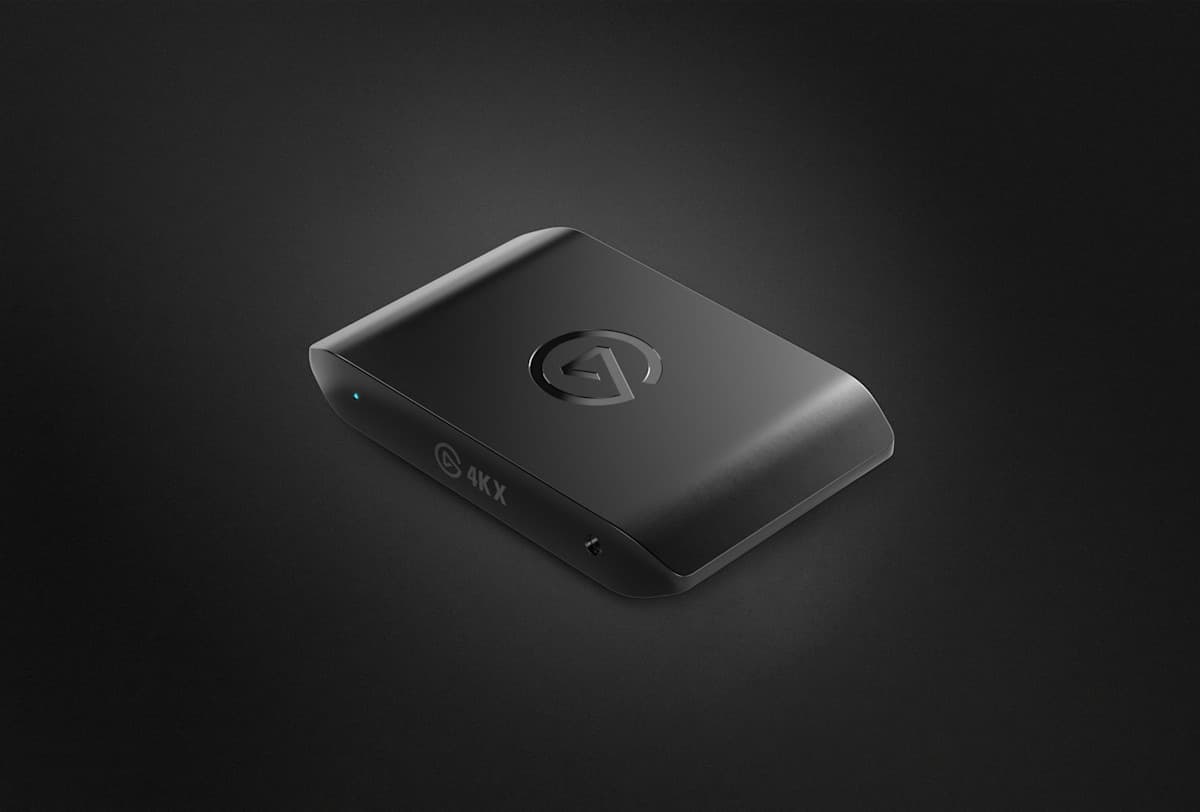
The pick: Elgato 4K X
Elgato
Elgato 4K X
- capture
- 4K60 HDR10
- passthrough
- 4K144 VRR
- interface
- USB 3.2 Gen 2
- form
- External
- encoding
- Host PC
$199
Checked at publish
Affiliate link. We may earn a commission at no extra cost to you.
At $199, the 4K X is the card we would put between a PS5 and a good 4K120 display without thinking twice. The spec sheet covers everything the console can throw at it: 4K144 VRR passthrough means full 4K120 with VRR on launch night, and 4K60 HDR10 capture means the files you keep are upload-grade, not consolation-grade.
The single USB 3.2 Gen 2 connection is the practical win. One cable to the PC, no internal install, works with a laptop, and the bandwidth is there for the 4K60 capture stream without compromise. If a PC port follows the console launch, as it has for every mainline GTA, the 144Hz passthrough ceiling means this card moves to your PC setup instead of becoming a drawer ornament.
Verdict: the default buy. It is not the cheapest card here and it is not the highest passthrough number on the table, but on paper it is the best match for what a PS5 actually outputs, at $20 less than the only card that beats it on the spec sheet.
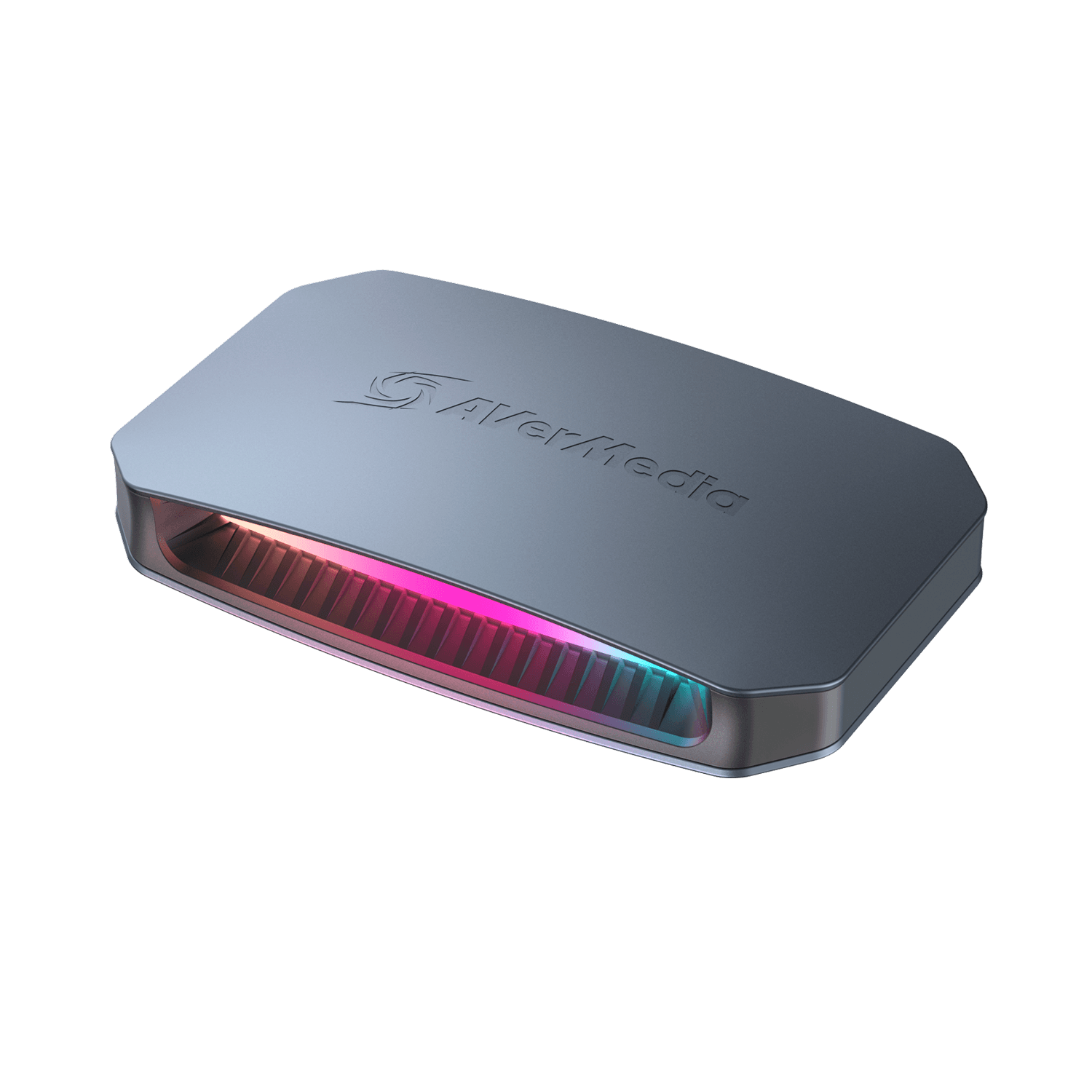
The backup: AVerMedia Live Gamer Ultra 2.1
AVerMedia
AVerMedia Live Gamer Ultra 2.1 (GC553G2)
- capture
- 4K60 HDR
- passthrough
- 4K144 / 1440p240 VRR
- interface
- USB 3.2 Gen 2
- form
- External
- encoding
- Host PC
$219
Checked at publish
Affiliate link. We may earn a commission at no extra cost to you.
The GC553G2 is the spec-sheet heavyweight: 4K60 HDR capture, USB 3.2 Gen 2, and a passthrough table that reads 4K144 plus 1440p240 VRR. That 240Hz mode is irrelevant to a PS5, which never exceeds 120Hz. It is extremely relevant if your endgame is a 1440p high-refresh PC monitor in 2027 with one card serving both machines.
At $219 it is the most expensive card in this guide, and for a PS5-only setup the extra $20 over the 4K X buys you a number the console cannot use. That is why it is the backup rather than the pick. But if the 4K X is out of stock in November, you give up nothing by buying this instead. Launch-week stock is exactly when a fully specced backup earns its place on the list.
Verdict: buy it if the 4K X is gone, or if 1440p240 is in your future.
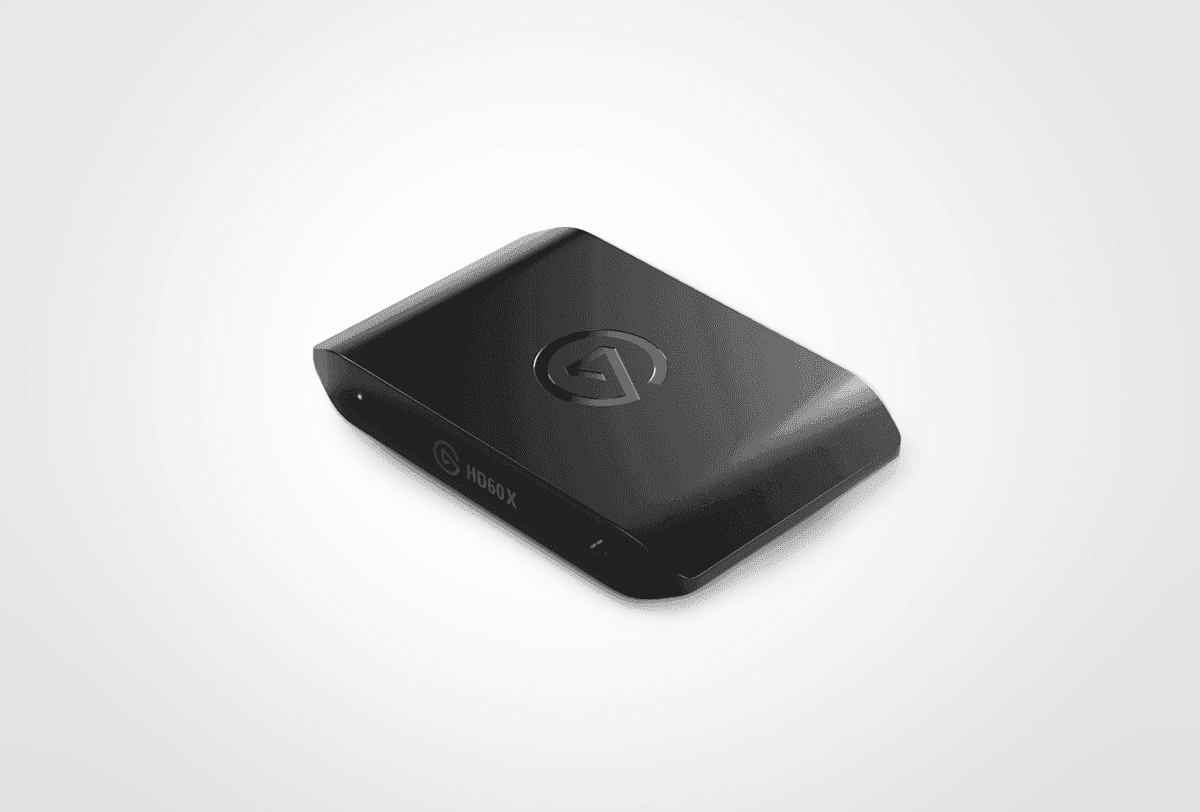
The value pick: Elgato HD60 X
Elgato
Elgato HD60 X
- capture
- 1080p60 HDR / 4K30
- passthrough
- 4K60 VRR
- interface
- USB 3.0
- form
- External
- encoding
- Host PC
$160
Checked at publish
Affiliate link. We may earn a commission at no extra cost to you.
At $160, the HD60 X makes one honest trade: capture drops to 1080p60 HDR (or 4K30), and passthrough tops out at 4K60 VRR. For a Twitch-first streamer that trade costs almost nothing, because the platform was never going to show your audience more than 1080p anyway.
The real cost is the passthrough ceiling. If you play on a 120Hz display, this card caps your session at 60Hz while it is inline, and that is a genuine downgrade for a shooter-and-driving game. If you play on a 60Hz TV, you lose nothing at all, and you just saved $39 versus the 4K X.
Verdict: the right card for 60Hz display owners who stream. Know which buyer you are before you order.
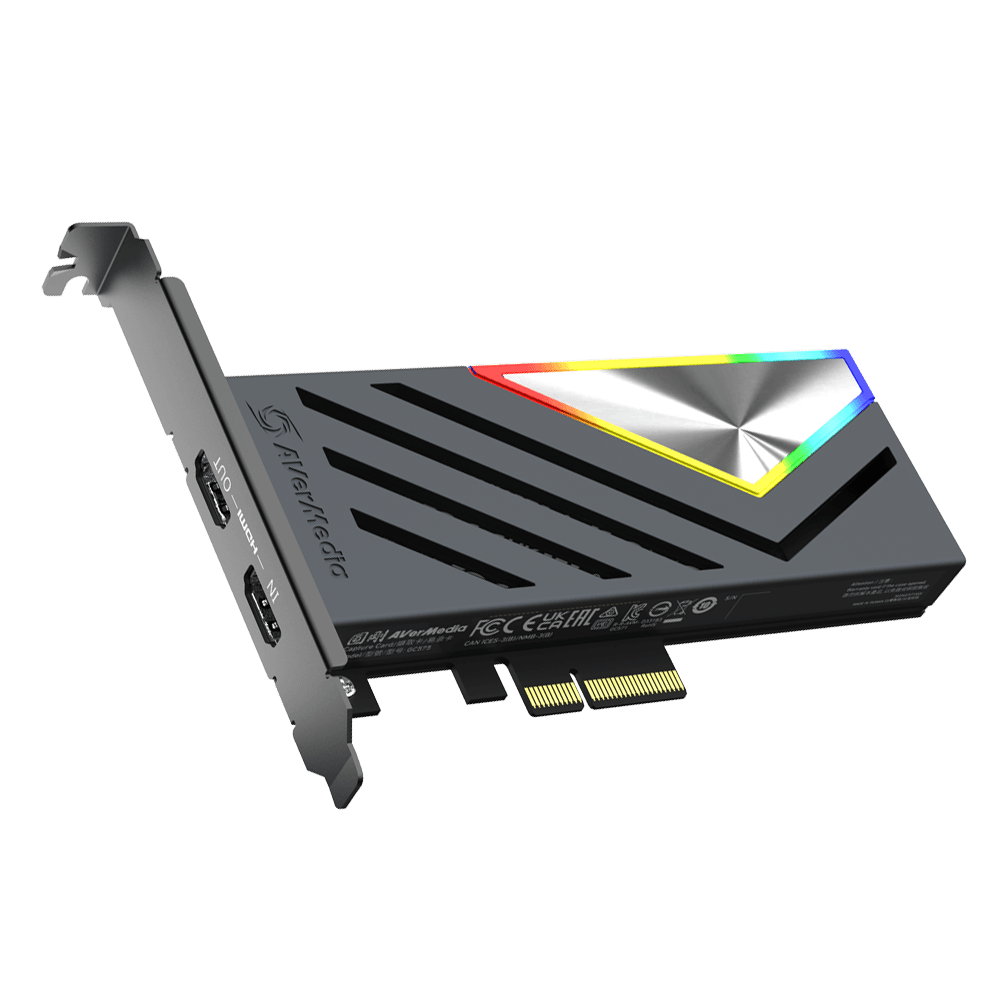
The desktop option: AVerMedia Live Gamer 4K 2.0
AVerMedia
AVerMedia Live Gamer 4K 2.0 (GC575)
- capture
- 4K60 HDR
- passthrough
- 4K144 VRR
- interface
- PCIe x4 (internal)
- form
- Internal
- encoding
- Host PC
$230
Checked at publish
Affiliate link. We may earn a commission at no extra cost to you.
The GC575 covers the same headline numbers as the top picks, 4K60 HDR capture and 4K144 VRR passthrough, but as an internal PCIe x4 card at $230. If you run a permanent dual-PC streaming desk, internal is the tidy answer: no USB cable to knock loose mid-stream, no extra box on the desk, and a slot-mounted card that is set up once and forgotten.
The caveats are structural. You need a desktop with a free PCIe x4 slot, it will never work with a laptop, and moving your setup means opening a case. For a fixed battlestation that is fine. For everyone else, the external picks above are the same capability with less commitment.
Verdict: the streamer-desk install, not the flexible buy.
The trap: Razer Ripsaw X
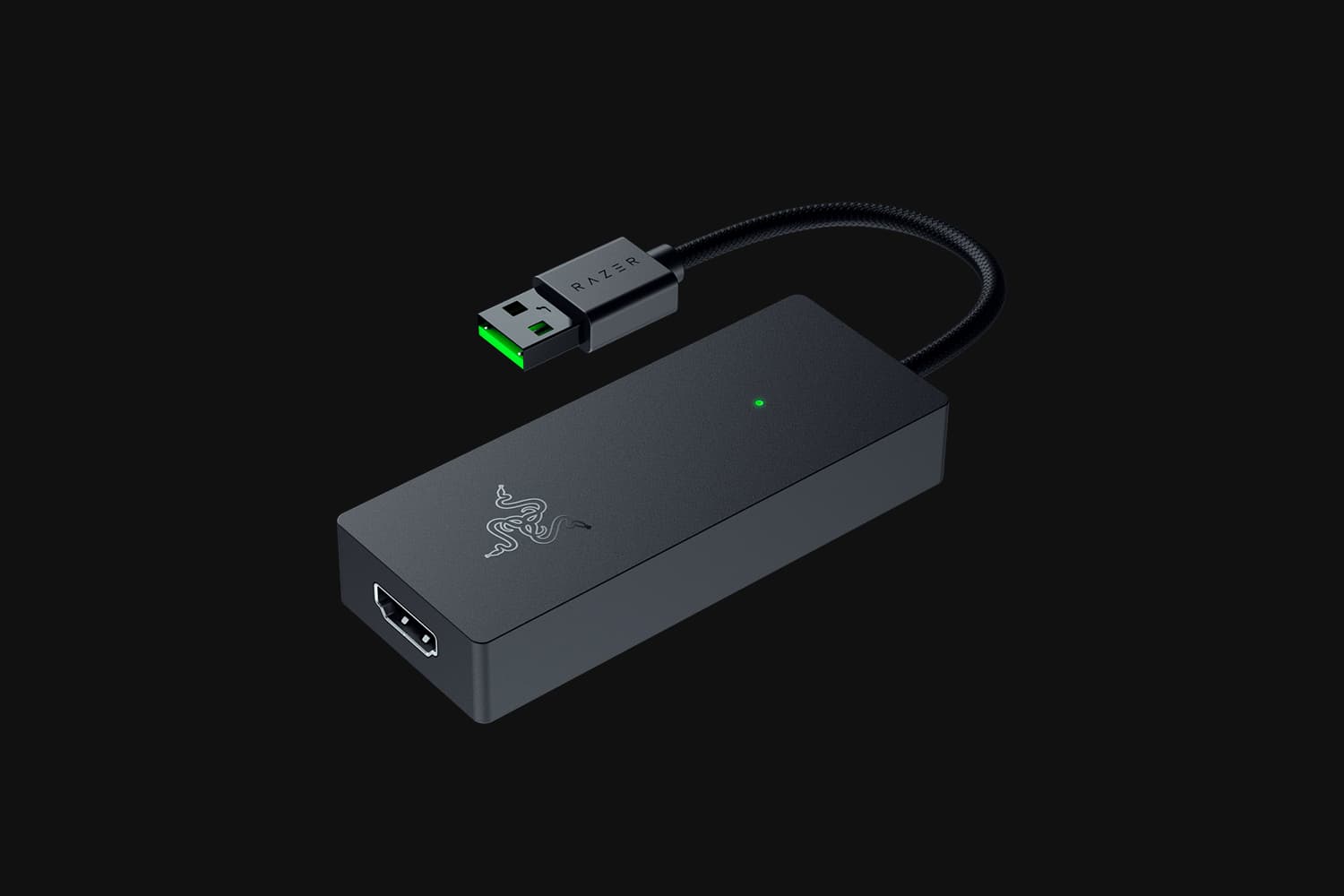
Razer
Razer Ripsaw X
- capture
- 4K30 / 1080p60
- passthrough
- None (camera-style)
- interface
- USB-C 3.0
- form
- External
- encoding
- Host PC
$160
Checked at publish
Affiliate link. We may earn a commission at no extra cost to you.
At $160 the Ripsaw X looks like the budget answer, and for GTA 6 it is the wrong one. The spec sheet says it plainly: passthrough, none. This is a camera-style capture device, built for sources you do not need to react to. Capture is 4K30 or 1080p60 over USB-C 3.0, which is fine for what it is designed to do.
Plugged into a PS5, your only view of the game is the software preview window on the PC, complete with capture-and-render delay between your controller and what you see. Nobody should play a heist mission through a preview window. As a second card for a camera feed or B-roll from another console, it earns its price. As your main GTA 6 card, the HD60 X costs the same $160 and buys you real passthrough, so there is no reason not to take it.
Verdict: not for live play. Buy it for camera capture or do not buy it.
A note on the numbers
Every figure in this guide is a manufacturer rating, and we label it that way on purpose. Spec sheets tell you the ceiling; they do not tell you how a card behaves three hours into a stream. So treat the passthrough and capture figures here as vendor-published values we have cross-checked against each manufacturer's own documentation, not as instrumented results from our own hardware. The rankings reflect how those published specs match what a PS5 actually outputs, plus price and connection type, rather than first-hand latency or thermal measurements.
Streaming GTA 6 day one without a DMCA strike
The radio is the risk. Grand Theft Auto games are famous for enormous licensed soundtracks, and licensed music is precisely what gets VODs muted and channels struck. Nobody outside Rockstar knows the exact audio options GTA 6 will ship with, so treat this as general guidance, not a promise.
Previous Rockstar titles exposed music and radio volume controls separately from effects and dialogue, and streamers have long used that as a makeshift streamer mode: radio to zero, everything else untouched. Expect at least that level of control at launch, and check the audio settings before you go live, not after. Whether GTA 6 ships a dedicated copyright-safe audio mode, as some big multiplayer titles now do, is unconfirmed at the time of writing.
Two practical notes. First, a capture card passes whatever audio the console outputs; no card in this guide filters music for you. Second, if you stream through OBS, separate audio tracks for your archived VOD give you a recovery option when something licensed slips through. The boring failsafe still applies: when in doubt, turn the in-car radio down on stream and save the soundtrack appreciation for offline sessions.
Bottom line
The Elgato 4K X at $199 is the card to beat: 4K144 VRR passthrough, 4K60 HDR10 capture, one USB cable. The Live Gamer Ultra 2.1 at $219 is the no-downgrade backup with a 1440p240 future. The HD60 X at $160 is the smart buy for Twitch streamers on 60Hz displays. The Live Gamer 4K 2.0 at $230 is the clean internal install for a fixed streaming desk. The Ripsaw X stays on the bench for live play.
Whichever one fits, order it well before November 19. Capture cards do the same stock-panic dance that SSDs do when a monster release lands, and the drive situation will be proof enough of that.
FAQ // Straight answers
Do I need a capture card to clip GTA 6 on PS5?
No. The PS5 records gameplay natively and can stream direct to Twitch or YouTube from the Create button. A capture card earns its money when you want overlays, higher bitrates, a proper encoder running on a PC, and local 4K files you actually own.
Will a capture card add lag to my own gameplay?
Not if it has passthrough. Cards like the Elgato 4K X and Live Gamer Ultra 2.1 pass the HDMI signal straight through to your display, so you play off the TV as normal while the PC records. The Razer Ripsaw X has no passthrough, which is exactly why we do not recommend it for live play.
Do I have to turn off HDCP on the PS5?
Yes, for capture to work at all. Go to Settings, System, HDMI, and switch Enable HDCP off. Games capture fine without it. Streaming apps like Netflix will refuse to play until you switch it back on.
Is 4K60 capture worth it if I only stream on Twitch?
For the live stream itself, no. Most Twitch channels are delivered at around 1080p anyway. 4K60 capture matters for YouTube uploads, archived VODs, and future-proofing. That is why the HD60 X, with 1080p60 capture but 4K60 VRR passthrough, is a legitimate pick for pure streamers.
Can I use any of these cards without a PC?
No. All five cards in this guide encode on a host PC, so you need a reasonably capable computer running OBS or the vendor software. Budget for that before you budget for the card.